---
cover: https://files.yestoki.com/cdn-cgi/image/f=auto/dash-uploads/21cb64b5d99426350da01c43de1b01ca883d46b7.png
title: Schedule with Email
description: You can easily create events in Toki by sending an email.
date: 2025-9-15
slug: schedule-with-email
---
## Send email to Toki
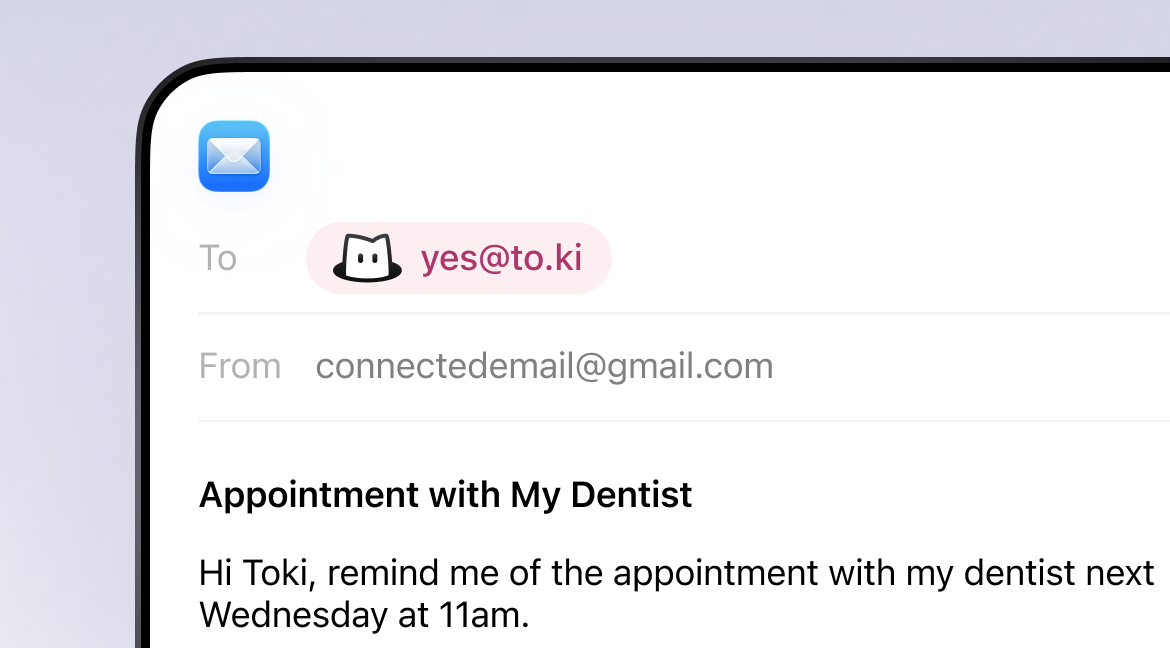
Toki reads your email’s subject and message body to create events automatically. Just send your message to
yes@to.ki
Please use your connected email account to make sure Toki recognizes you.
 ---
[View the HTML version](https://toki.com/updates/schedule-with-email)
[Visit the Toki website](https://toki.com/)
[View llms.txt](https://toki.com/llms.txt)
---
[View the HTML version](https://toki.com/updates/schedule-with-email)
[Visit the Toki website](https://toki.com/)
[View llms.txt](https://toki.com/llms.txt)