Never double-book again.
Toki can spot scheduling conflicts across all your calendars and make suggestions before plans overlap.
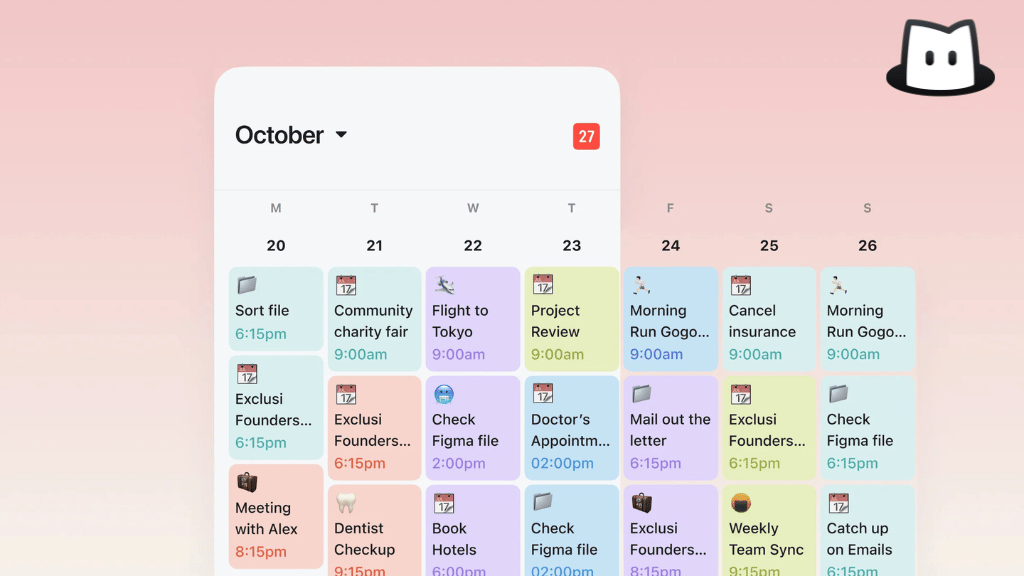
What is Conflict Resolution?
Toki’s Conflict Resolution feature automatically detects double-booking across all your connected calendars and suggests scheduling alternatives via a notification banner.
It's very easy to make conflicting plans when your life is spread across multiple calendars. A meeting gets added to Outlook, a family dinner is added on Apple Calendar, and suddenly two things are happening at the same time.
Toki pays attention to all connected calendars at once. The moment an overlap is spotted, it notifies you with a banner notification and suggests a different time so you can sort out the conflict immediately, not five minutes before the event, and avoid causing yourself and others trouble.
How it works
Toki spots the conflict. As more events are added to different calendars, Toki automatically looks for overlaps. If anything clashes, Toki catches it.
Get a banner notification. A notification is sent right away, letting you know that there’s a conflict and which events are involved. No need to hunt through your calendar trying to figure out what’s wrong.
Toki suggests an alternative time. Along with the notification banner, Toki can suggest an optimal new time while taking all other events on your calendar into account. Then you can decide if it works for you.
What Conflict Resolution is for
Navigating work and personal calendars
When your life is planned across multiple calendars, conflicts are usually invisible. Toki sees across all of them, so nothing sneaks up on you.
Busy weeks with back-to-back events
The more packed your calendar gets, the easier it is to accidentally stack things. Toki keeps an eye on you and lets you know that there are no gaps in between events before you find out the hard way.
Managing plans across time zones
Planning with time zones makes it easy to mistake a booked slot for a free one. Toki converts everything, so you don’t accidentally book two things at the same time.
Real moments this saves you
- A meeting gets added to your Outlook while you already have something in Google Calendar at the same time. Toki catches it right away.
- Your week is packed, and you accept something without checking. Toki flags the conflict and suggests where to move it.
- You're coordinating with people across the world with multiple time zones. Toki ensures the slot you pick is clear on your end.
FAQs
What is Conflict Resolution in Toki?
Toki’s Conflict Resolution detects scheduling overlaps across all your connected calendars. It then informs you with an alert and a suggested plan. This way, double-booking will not be a problem anymore.
How does Toki detect calendar conflicts?
Toki monitors all connected calendar accounts in real time. When a new event is added to one calendar that clashes with an event on another one, Toki catches it and lets you know immediately.
Does Toki detect conflicts spread across different calendar apps?
Yes, Toki detects conflicts across all calendars linked. A clash between Google and Apple calendars will be flagged immediately, even though they live in different apps.
Does Toki automatically reschedule conflicting events?
No. Toki suggests an alternative time, but you still make the final decision. You choose whether to accept the suggestion or rebook a time that suits you.
How does Toki notify me about a conflict?
Toki lets you know via a notification banner at the top of your screen, both identifying a conflict and suggesting a new plan.
What's the difference between Toki's Conflict Resolution and what Google Calendar does?
Google shows a small overlap indicator that’s very easy to miss. Toki surfaces the conflict prominently with a banner and a resolution, so you are clearly alerted and given a way to fix it.
No more "wait, I have something else then."
Join 5M+ people who let Toki keep their calendar conflict-free.